• how it works
  • research
  • testimonials
  • news & events
  • buy word blocks
  • contact us
  • try poemRENOVATION
Finding Strength Through Words: Poem RENOVATION Offers Tools for Wildfire Survivors

Finding Strength Through Words: Poem RENOVATION Offers Tools for Wildfire Survivors

Jan 29, 2025 | Educational unit, elder care, Free tools

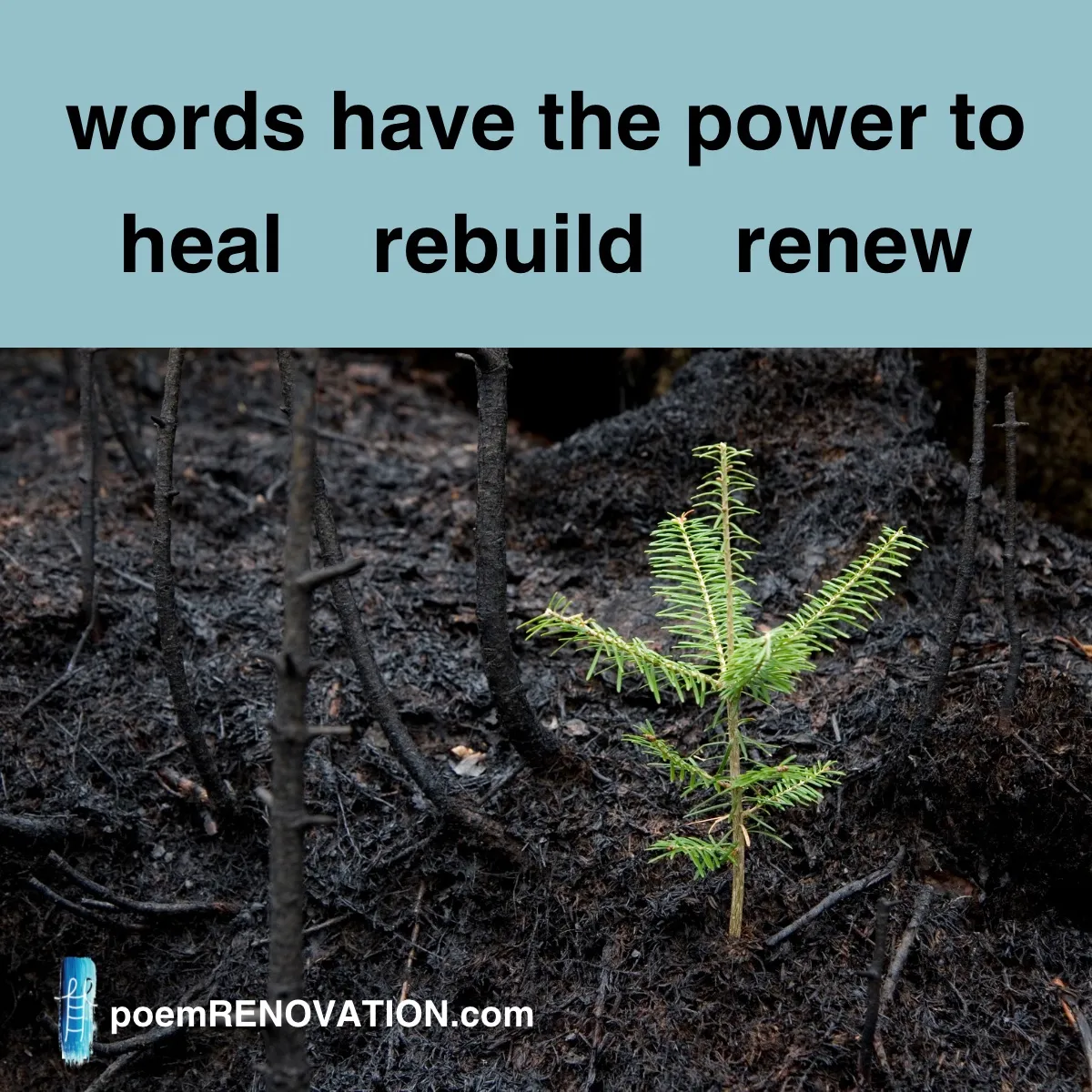
When disasters strike, they disrupt lives far beyond physical damage. For survivors of California’s wildfires, recovery is both a physical and emotional journey. poem RENOVATION  has developed a free program to help survivors heal and express themselves through...
Upcoming Appearance: OHCA Activity and Life Enrichment Conference

Upcoming Appearance: OHCA Activity and Life Enrichment Conference

Jan 10, 2025 | elder care

poem RENOVATION’s founder, Kelly de la Rocha, will run a hands-on workshop Monday, Feb. 10, at the Ohio Health Care Association’s Activities and Life Enrichment Conference in Columbus, Ohio. The annual professional development conference provides activity...
Next Entries »
  • Facebook
  • Instagram
©2026 poemRENOVATION. All rights reserved. Terms and Conditions
Instructions

Renovate a snippet of literature to create something new!​

Tap/click words in the word bank to add them to this canvas.
Drag and drop to rearrange.

Use toolbar to change font size and block color.
Words appear on the canvas in your selected style.

Drag unwanted words to the trashcan.

Hit Reveal Passage to see the original text.
Hit Share to access our interactive sharing feature. Learn more.

Return daily for a new challenge.
No rules, just create!

Close
Link Copied!

A unique URL has been added to your clipboard. Simply paste and send it to your friends so they can view and interact with your latest renovation.

Close
Saved to your collection!

A permanent copy of this creation has been stored. You can find all your saved masterpieces and drafts anytime on your Dashboard under Saved Poems.

Close
Poem Updated!

Your updates have been applied to this masterpiece. The latest version is secure and ready for you in your Saved Poems whenever you return.

Close
How interactive sharing works:

When you’re finished with your creation, click Share.

A sharing link is saved for you automatically. You won’t see it on the screen.

Open a text message or email. Click in the message area, then choose Paste. (You can do this by right-clicking, using a menu, or using your keyboard.)

The link will appear. Send the message to share your creation.

When the recipient opens it, they can see your creation and add to it or change it if they wish, then create a new link and send it back to you.

Close
Instructions

Renovate a snippet of literature to create something new!​

Tap/click words in the word bank to add them to the canvas.
Drag and drop to rearrange.

Use toolbar to change font size and block color.
Words appear on the canvas in your selected style.

Drag unwanted words to the trashcan.

Hit Reveal Passage to see the original text.
Hit Share to access our interactive sharing feature. Learn more.

Return daily for a new challenge.
No rules, just create!

Close